Voice Control
Hands-free translation switching and chapter navigation while you're preaching.
Kairos listens for a small set of voice commands so you don't have to break flow at the lectern. Commands are recognized inline with the sermon transcript, there's no wake word and no separate listening mode.
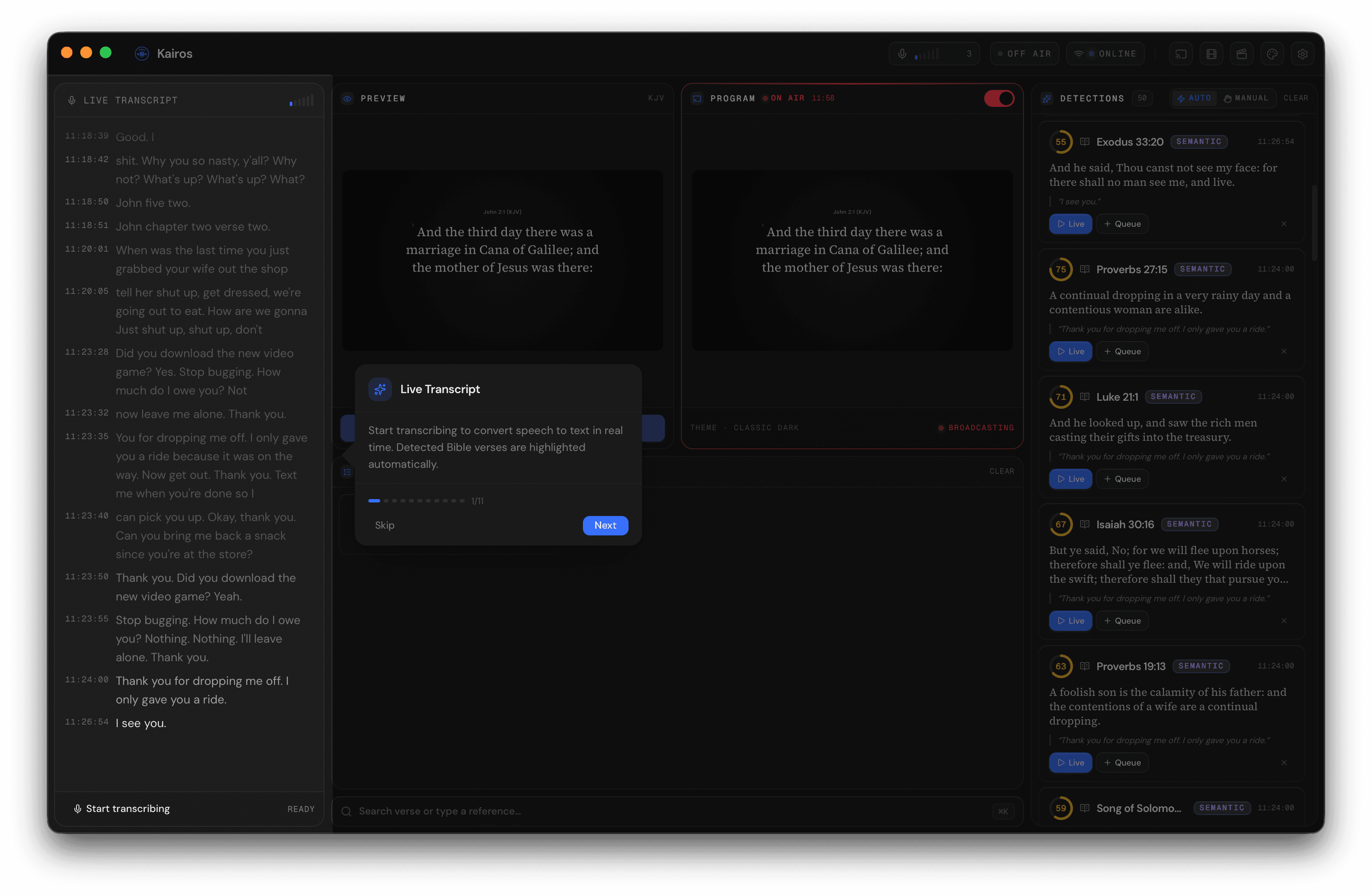
When the detector matches a voice command (here "read in NIV"), the phrase is highlighted in the transcript and the active-translation badge in the header flips to the new value. Click to expand.
Translation switching
Activate any bundled translation by speaking one of these phrases mid-sermon:
- "read in NIV" / "switch to NIV"
- "read in ESV" / "switch to ESV"
- "read in NASB" / "switch to NASB"
- "read in NKJV" / "switch to NKJV"
- "read in NLT" / "switch to NLT"
- "read in KJV" / "switch to KJV"
- "read in Amplified" / "switch to Amplified"
- "read in Spanish" / "read in Reina Valera"
- "read in French"
- "read in Portuguese"
The active translation flips immediately and the live overlay reflows with the new wording.
Chapter navigation in reading mode
When you announce a passage to read through ("Let's turn to Romans 8"), Kairos enters reading mode and the queue locks to that chapter. Voice commands then advance through the text:
- "next" / "next verse", advance by one verse
- "previous verse" / "go back", back by one verse
- "next chapter" / "previous chapter"
- "chapter N", jump to chapter N
- "verse N", jump to verse N
- "chapter N verse M", jump directly to chapter N verse M
Reading mode exits automatically when you drift back into free-form citation, there's no explicit "exit reading mode" phrase to memorize.
False-positive guard
Voice commands only fire when Kairos is confident the words are a command, not part of the message. "Next chapter" said as a teaching point ("the next chapter of your story") won't trigger navigation.
Disabling voice control
If your service style doesn't suit voice commands, or a guest speaker keeps tripping them accidentally, turn voice control off in Settings → Detection. Translation switching and chapter navigation then fall back to UI controls and remote control only.